Home / Work / Service requests sorted, and a summary every Monday
Service requests sorted, and a summary every Monday
Requests from email and web forms are sorted by type and urgency, routed to the right team with a draft reply, and summed up for managers each week.
- Use cases
- Email and request sorting · Summaries and reports
- Connects to
- Shared inbox, Web form, Helpdesk, Tenant list, Email to managers
- Starts with
- Free assessment, then a 2-week prototype
Example projects show how we would approach common requests. The companies, screens and data are samples designed by our team, not client work. For delivered work, see our case study.
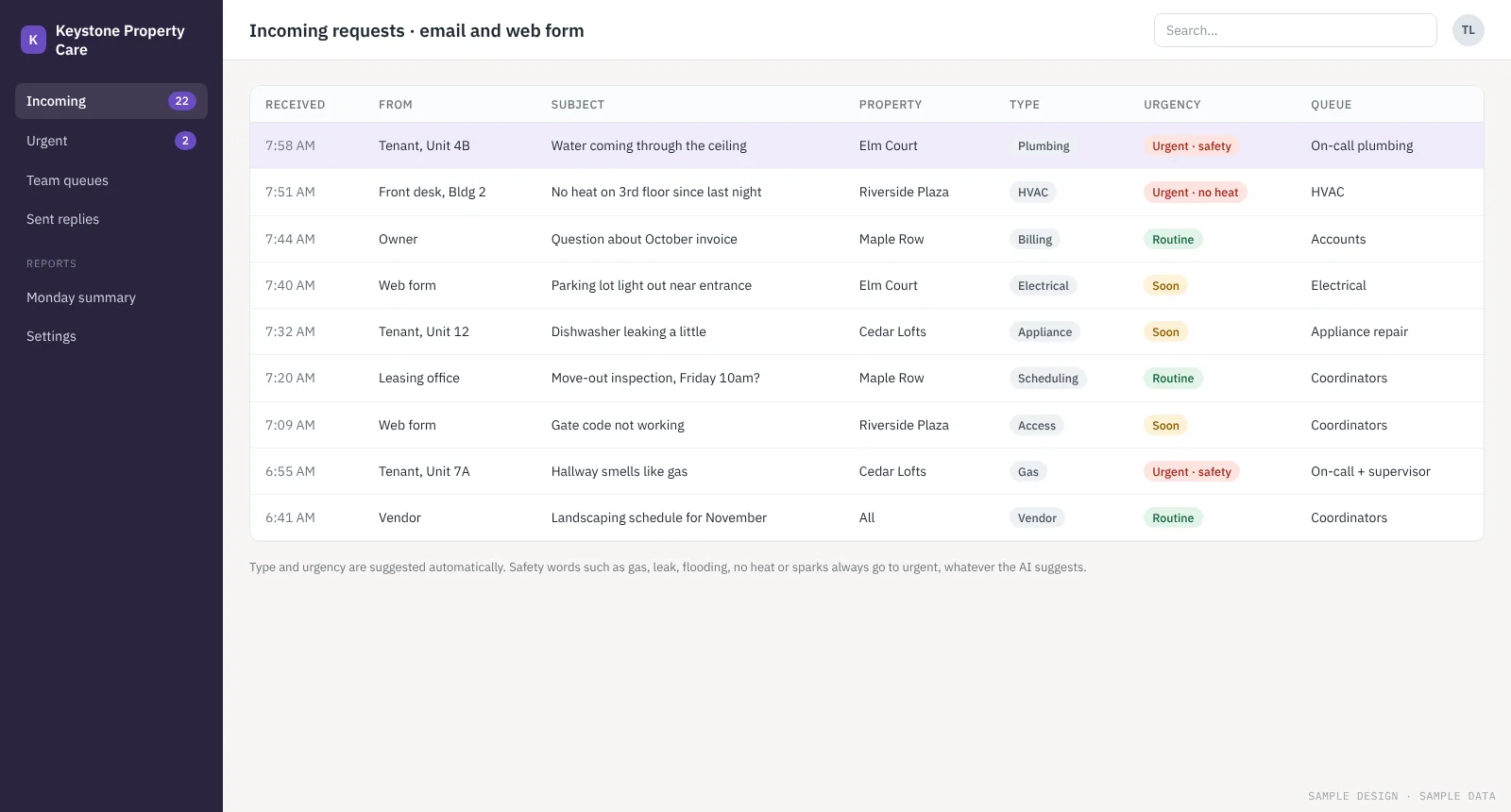
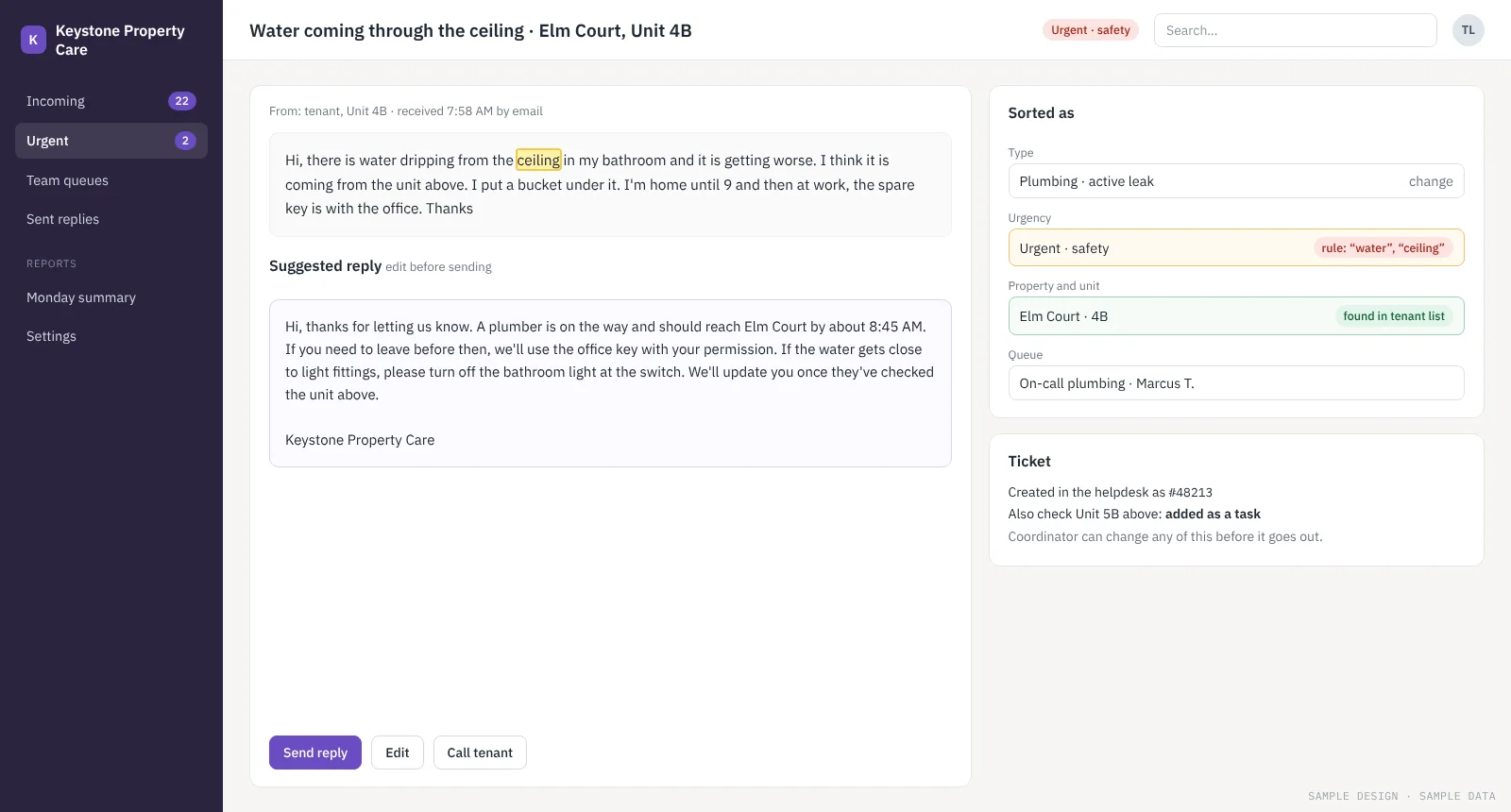
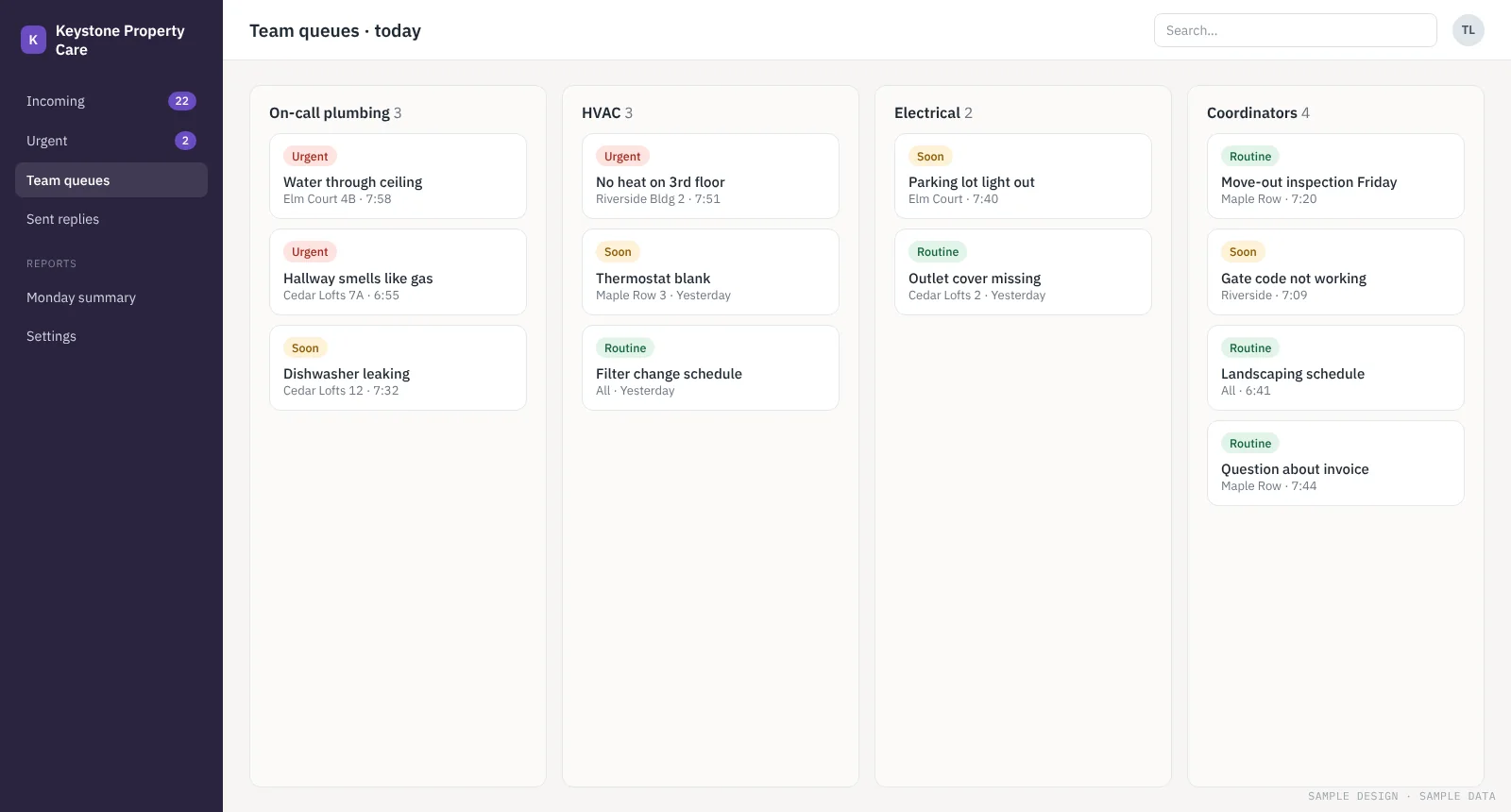
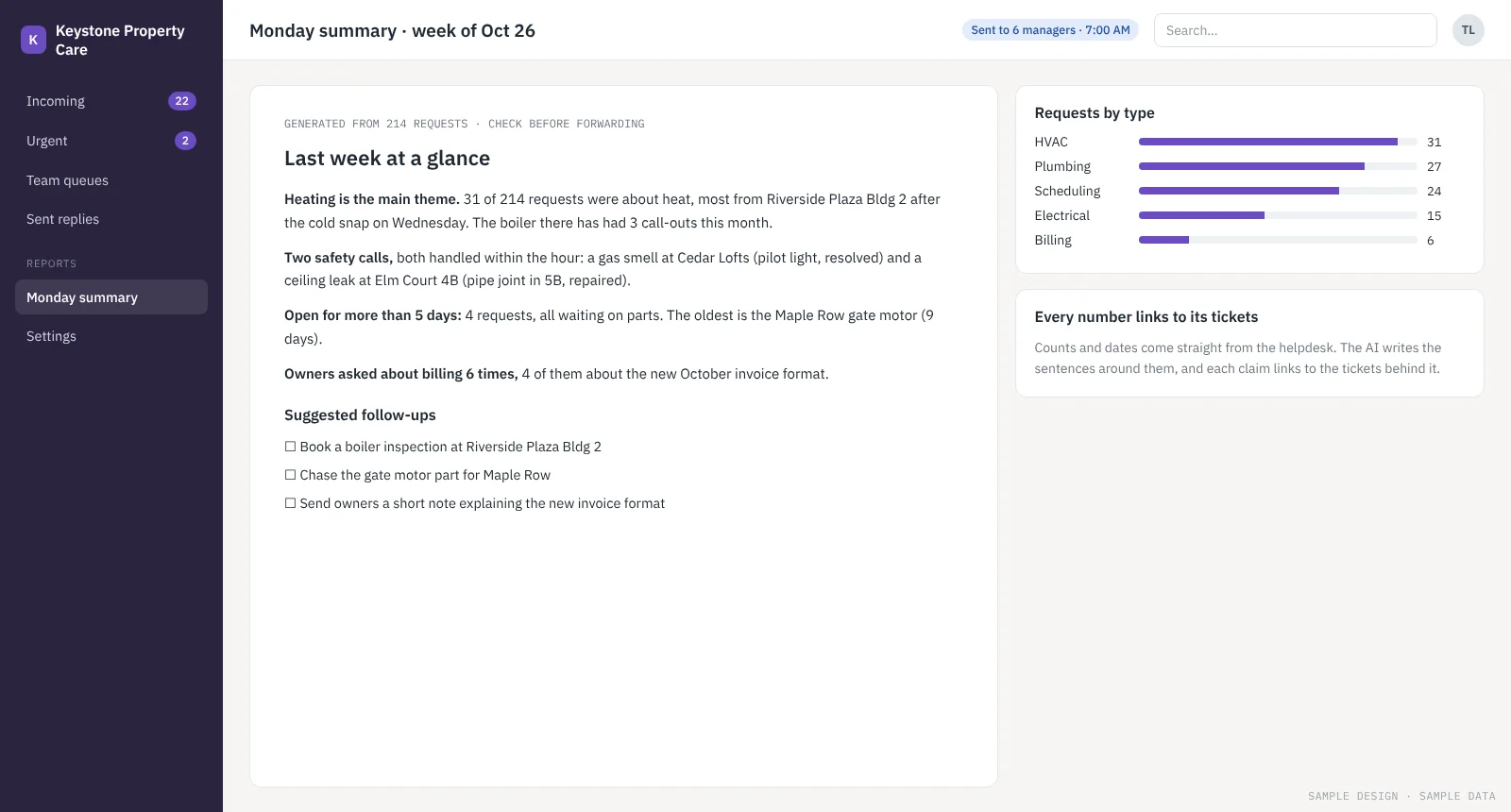
Sorted as it arrives
Each request gets a type, property, urgency and queue. Safety words always go to urgent, set by fixed rules rather than the AI.
Sample design · sample data
Where the hours go today
A property services company gets maintenance requests from tenants, owners and staff by email and web form, all in one shared queue. Coordinators read everything in order of arrival, so an urgent leak can sit behind routine questions. Managers have no quick view of what happened last week.
The goal: Get urgent requests to the right team within minutes, cut the time coordinators spend sorting, and give managers a short weekly picture without anyone writing it.
How the automation works
- Read each incoming email and web form as it arrives
- Suggest the type, property, unit and urgency, and check the property and unit against the tenant list
- Always mark safety words such as gas, leak, flooding, no heat or sparks as urgent, whatever the AI suggests
- Create the ticket in the right team’s queue in the helpdesk
- Draft a reply for the coordinator to edit and send
- Every Monday, send managers a one-page summary built from the helpdesk data, with each figure linked to its tickets
What your team still decides
Coordinators see every suggestion and can change the type, urgency or reply before anything goes out. Replies are never sent without a person. Managers are asked to check the summary before forwarding it.
How we’d know it’s working
- How often the suggested type and urgency are right
- Time for urgent requests to reach the right team
- Coordinator time spent sorting each day
- How useful managers find the Monday summary
We agree the bar with you before the prototype starts. If it isn’t met, you stop there.
Other projects
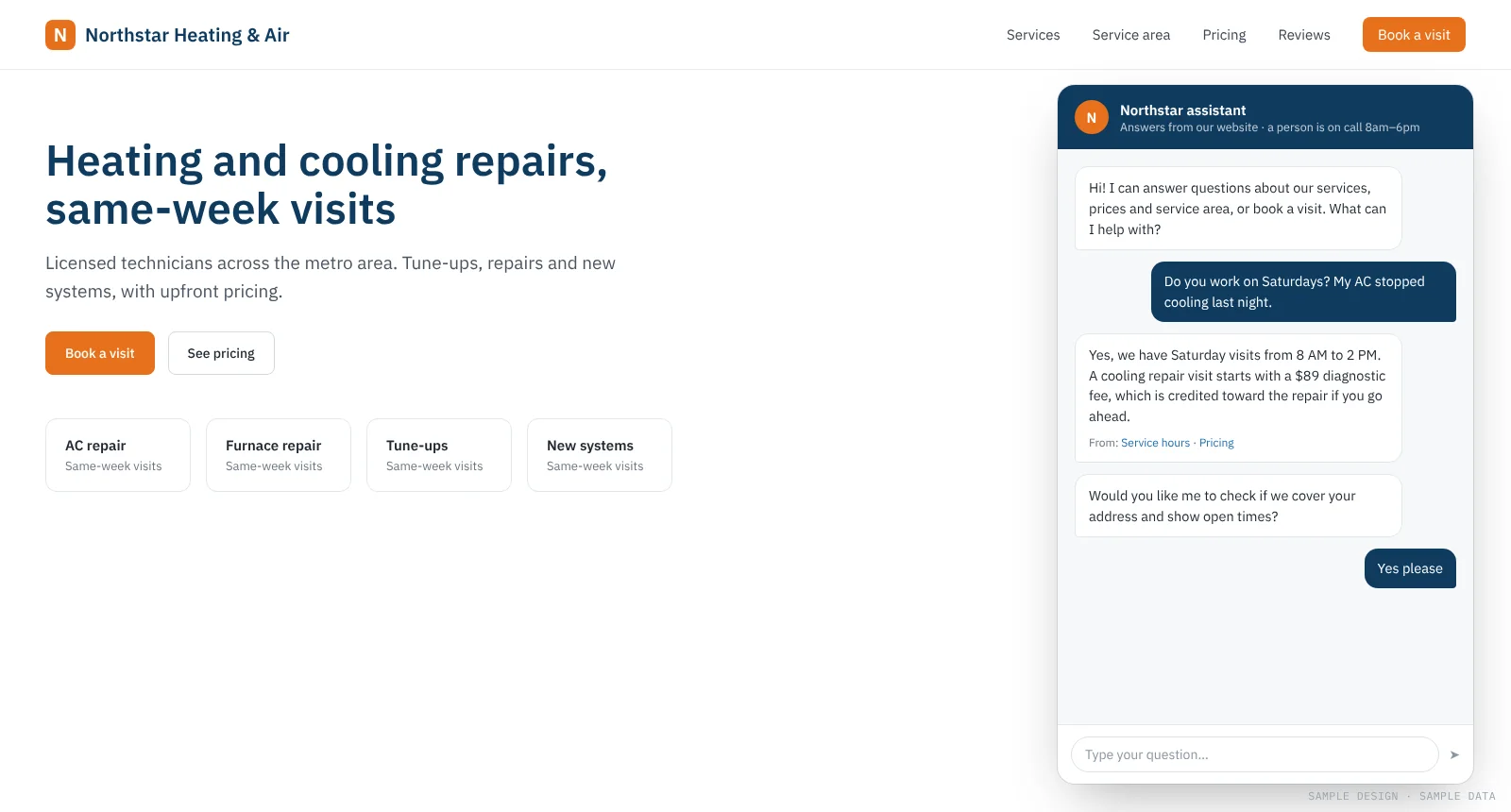
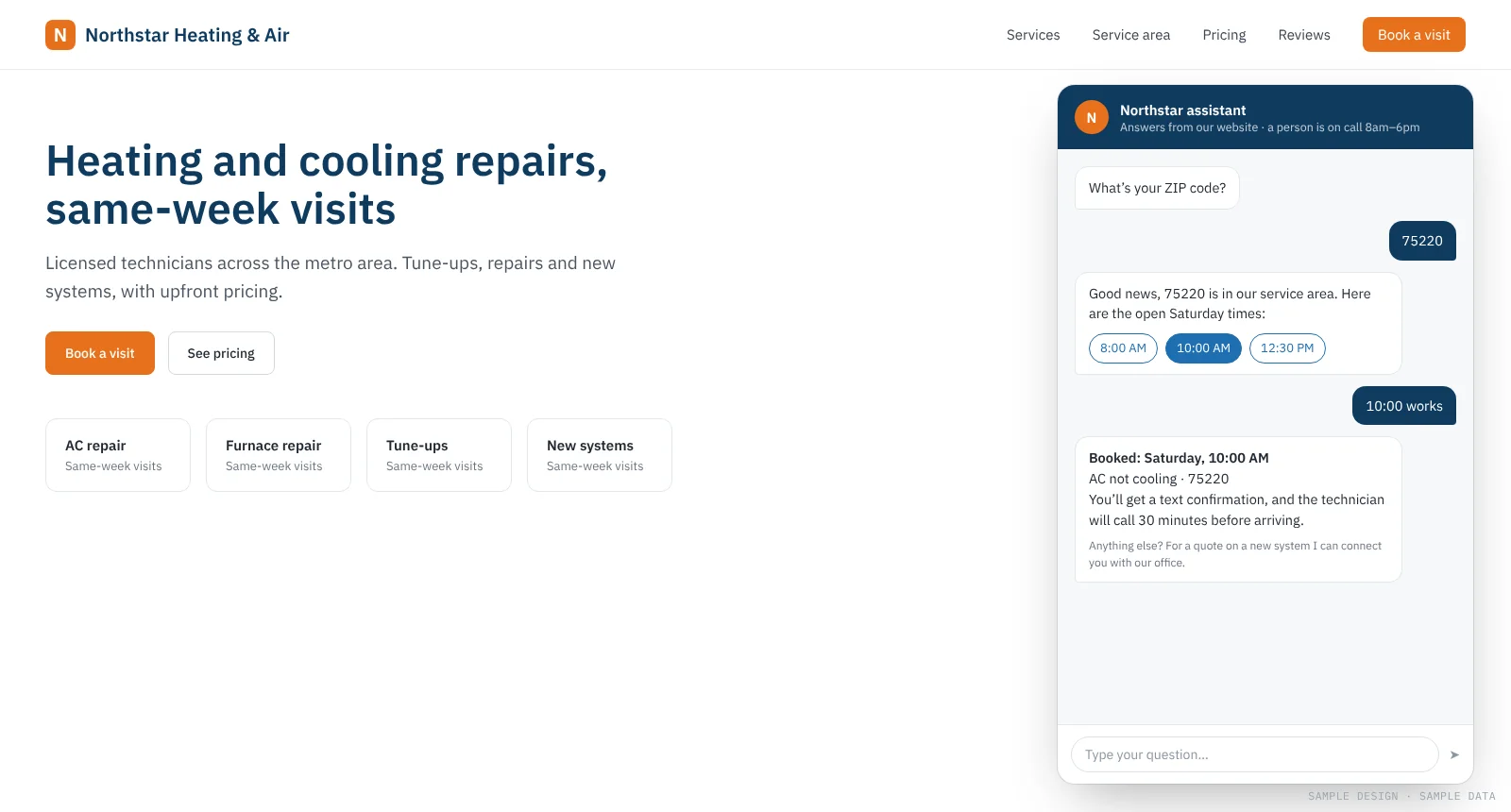
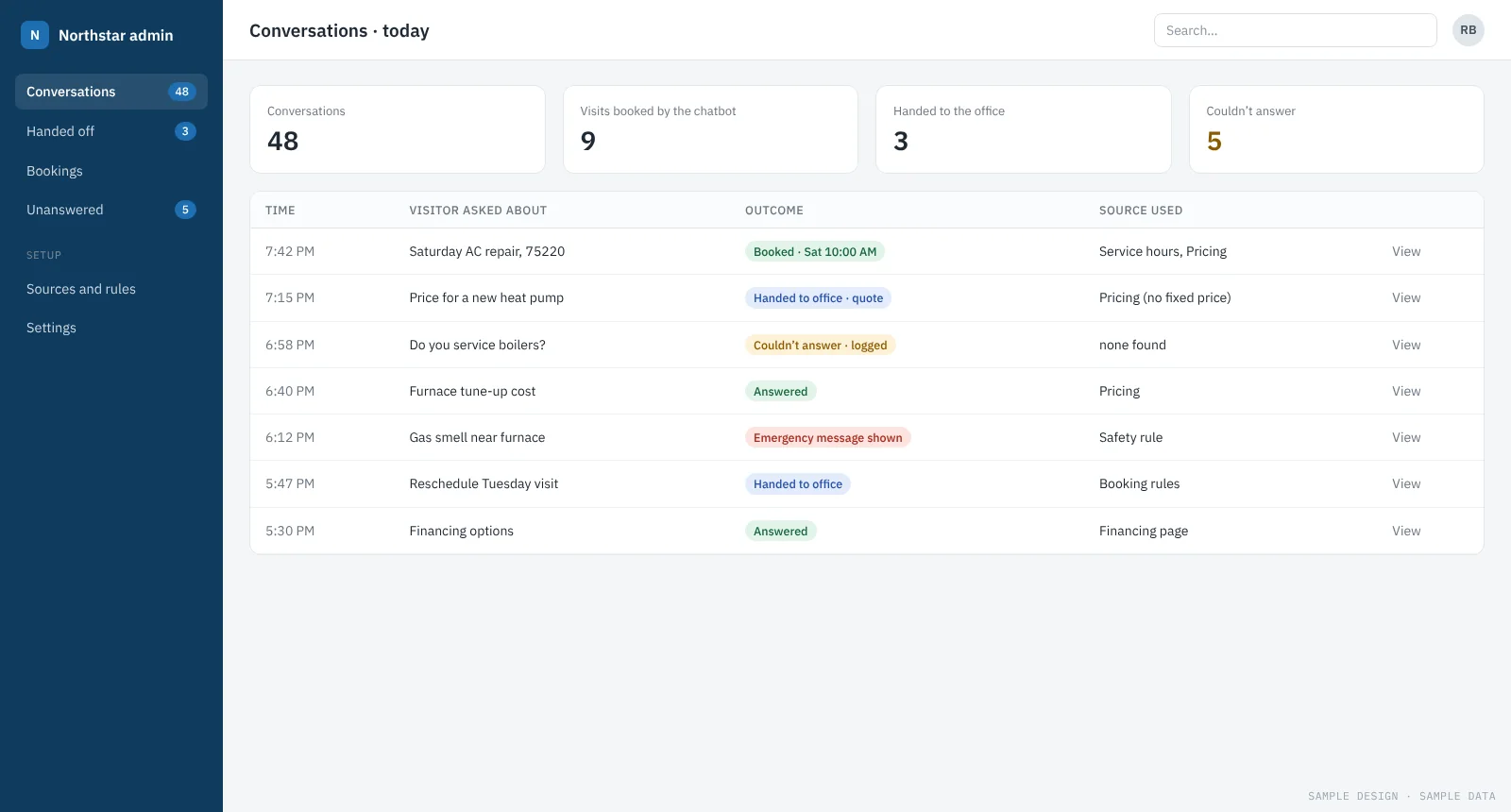
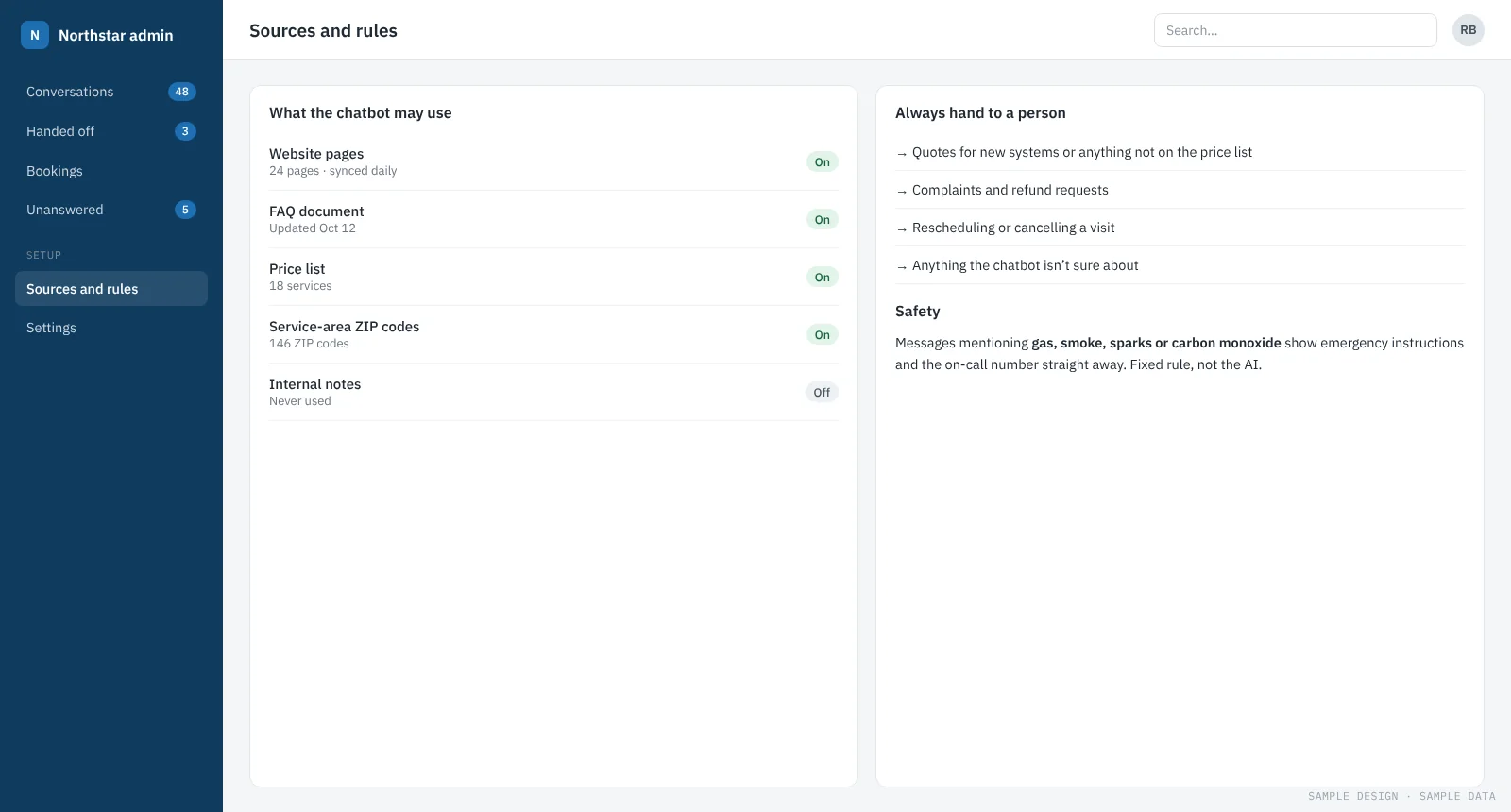
A website chatbot that answers questions and books visits
A chatbot on the company website answers questions from the company’s own pages, checks the service area and books appointments, with a person on call for anything else.
See how it works →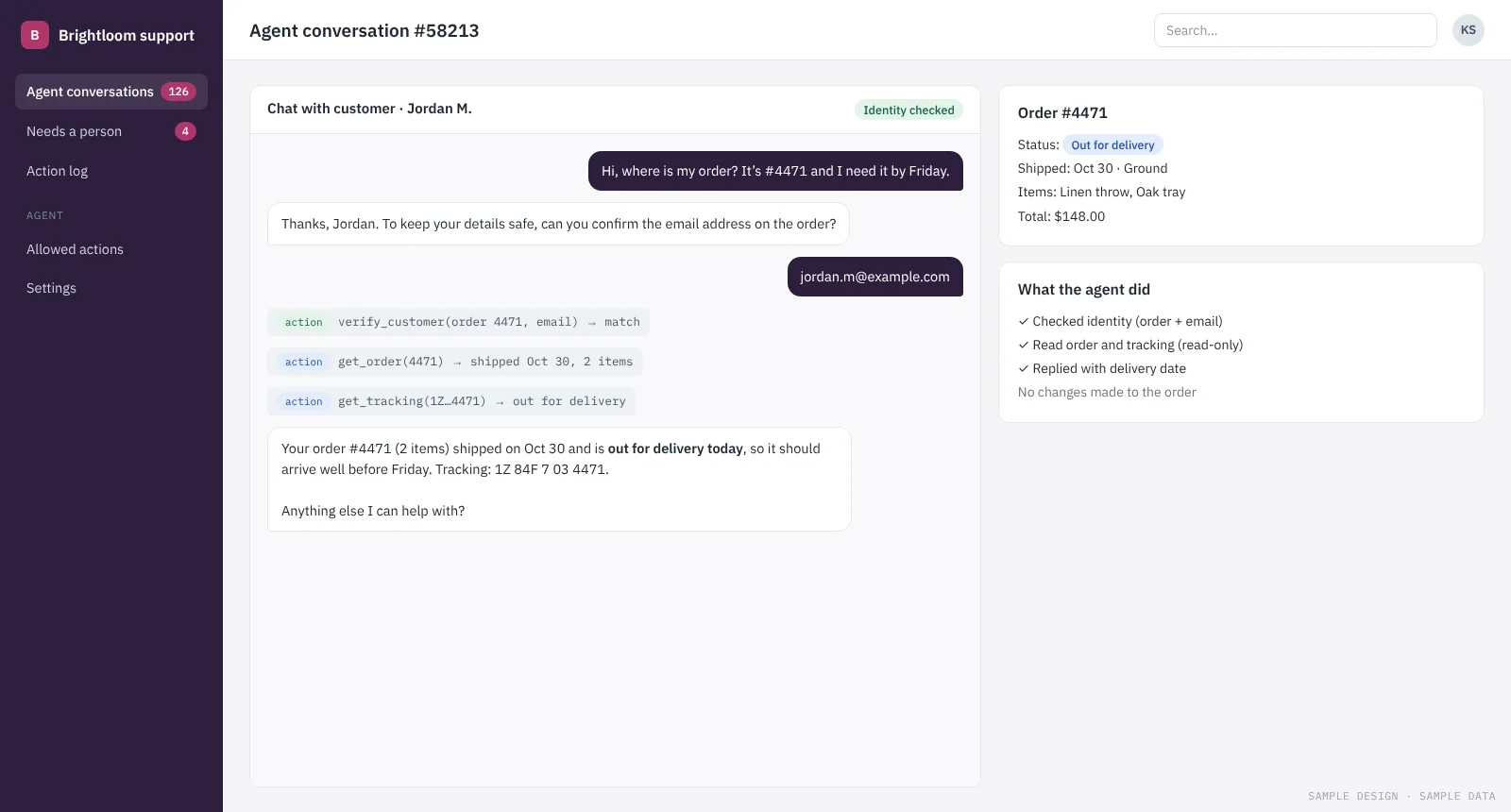
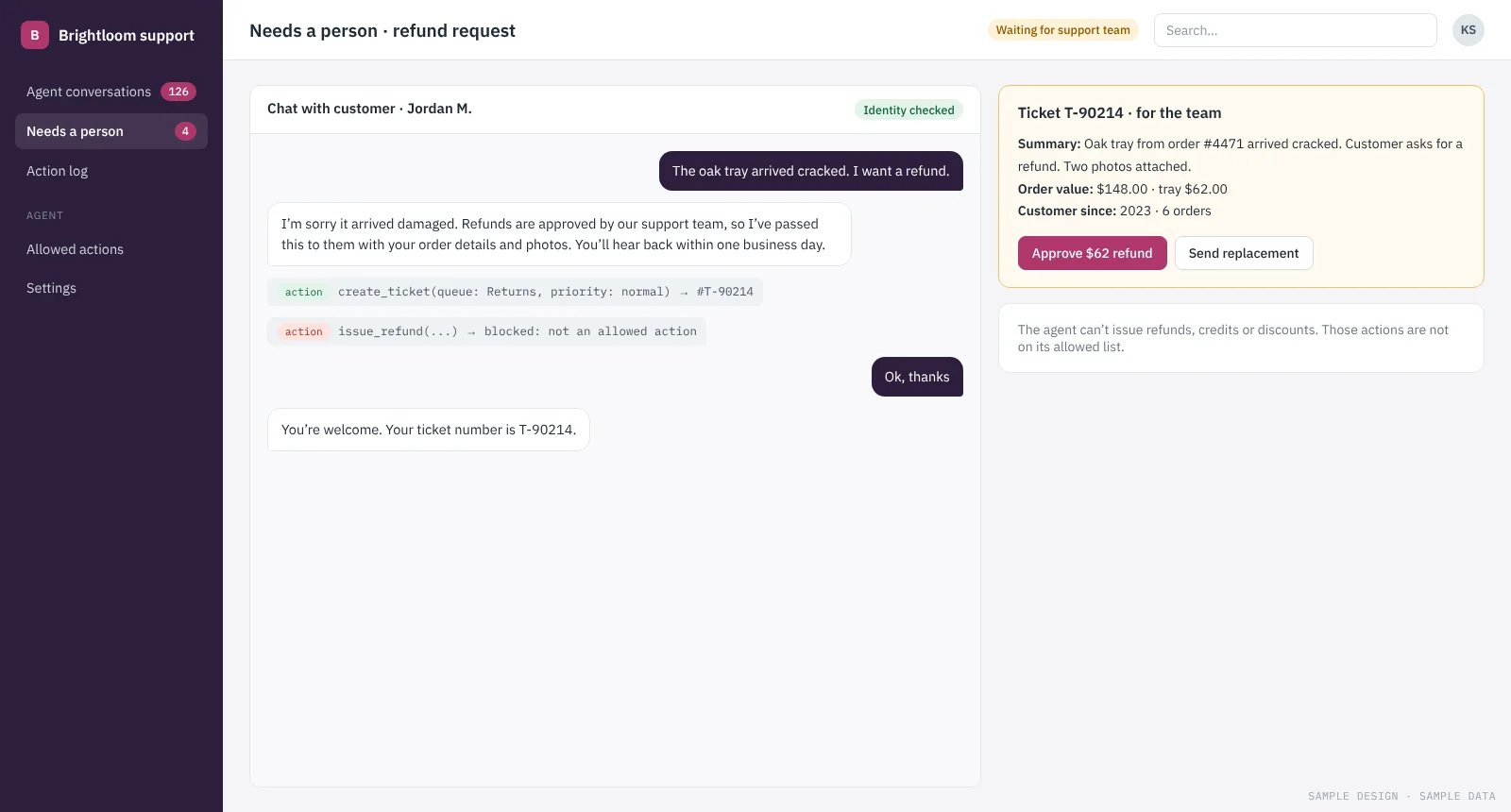
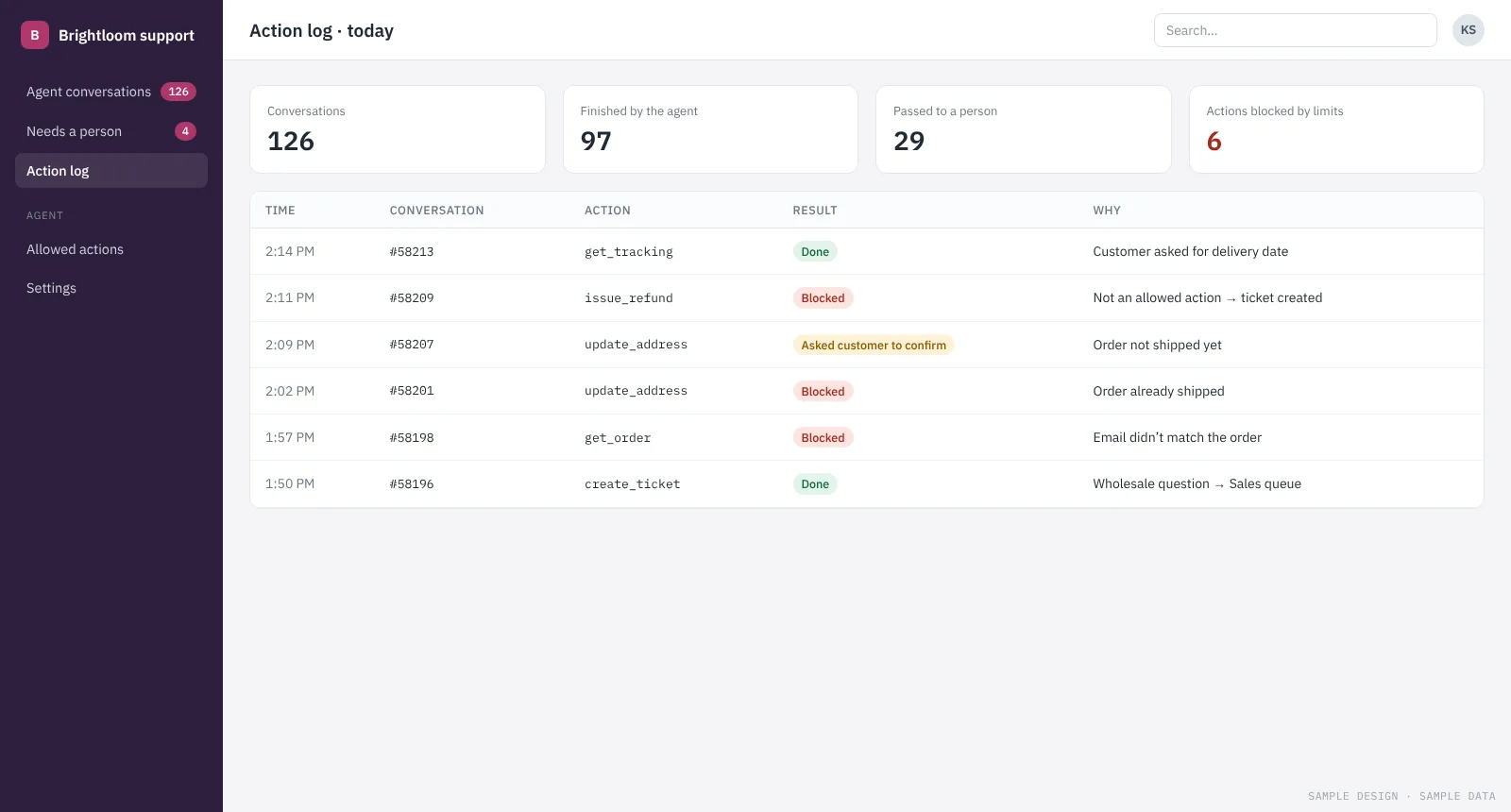
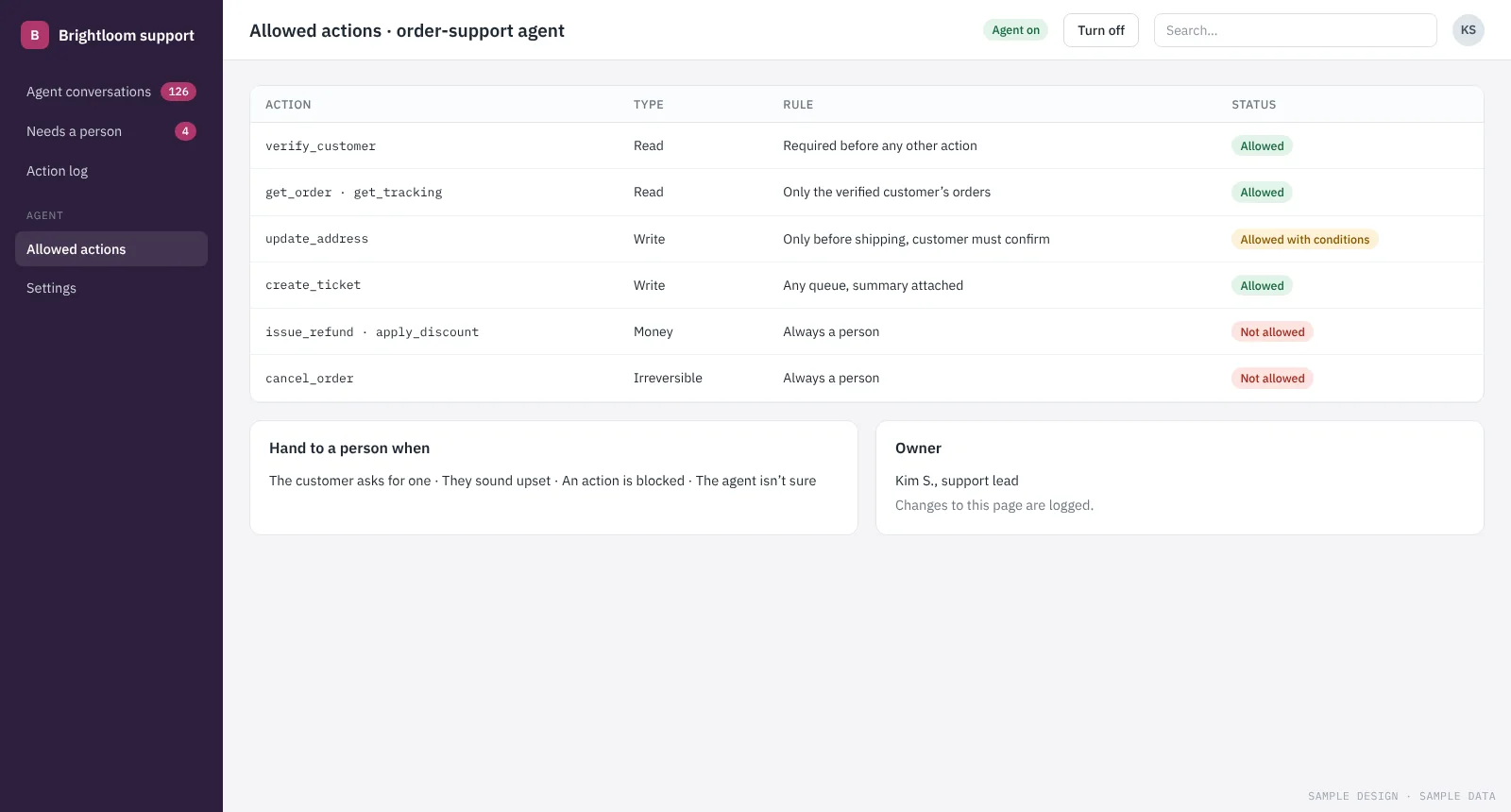
An order-support agent that acts, and knows when to stop
An AI agent checks orders, shares tracking and opens tickets in the help desk. Refunds and exceptions go to a person with the case already prepared.
See how it works →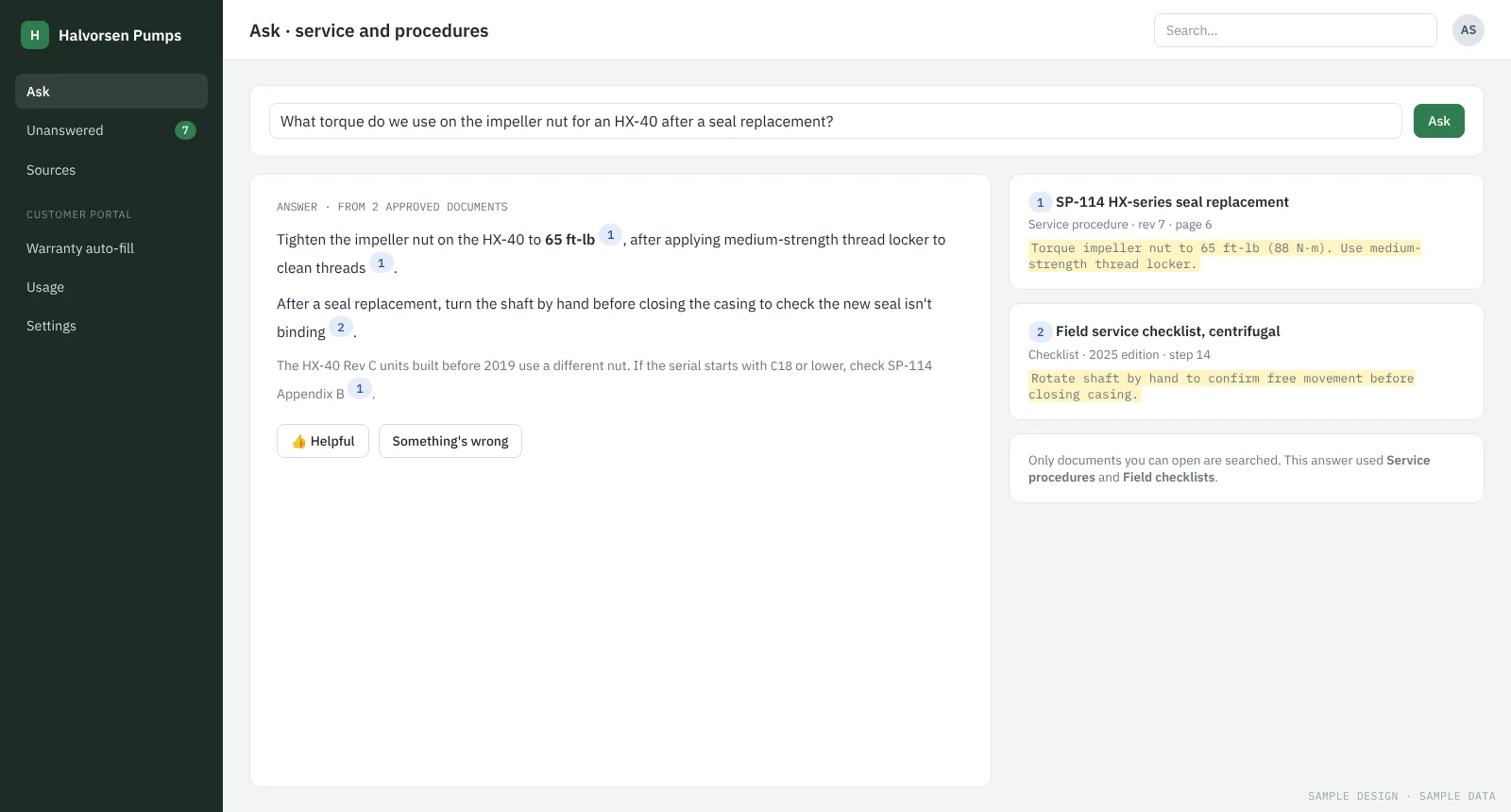
Answers from your own documents, and a smarter customer portal
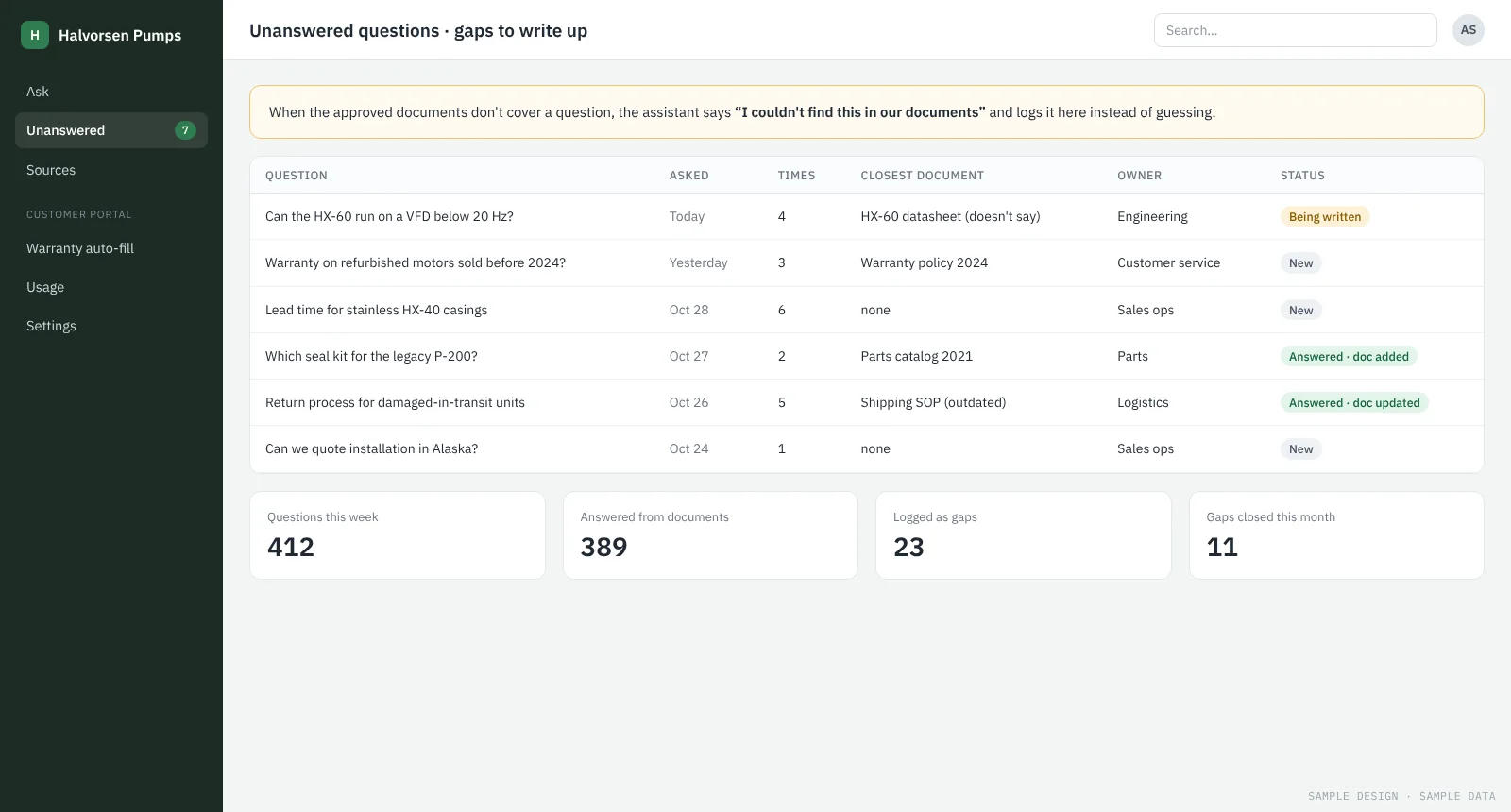
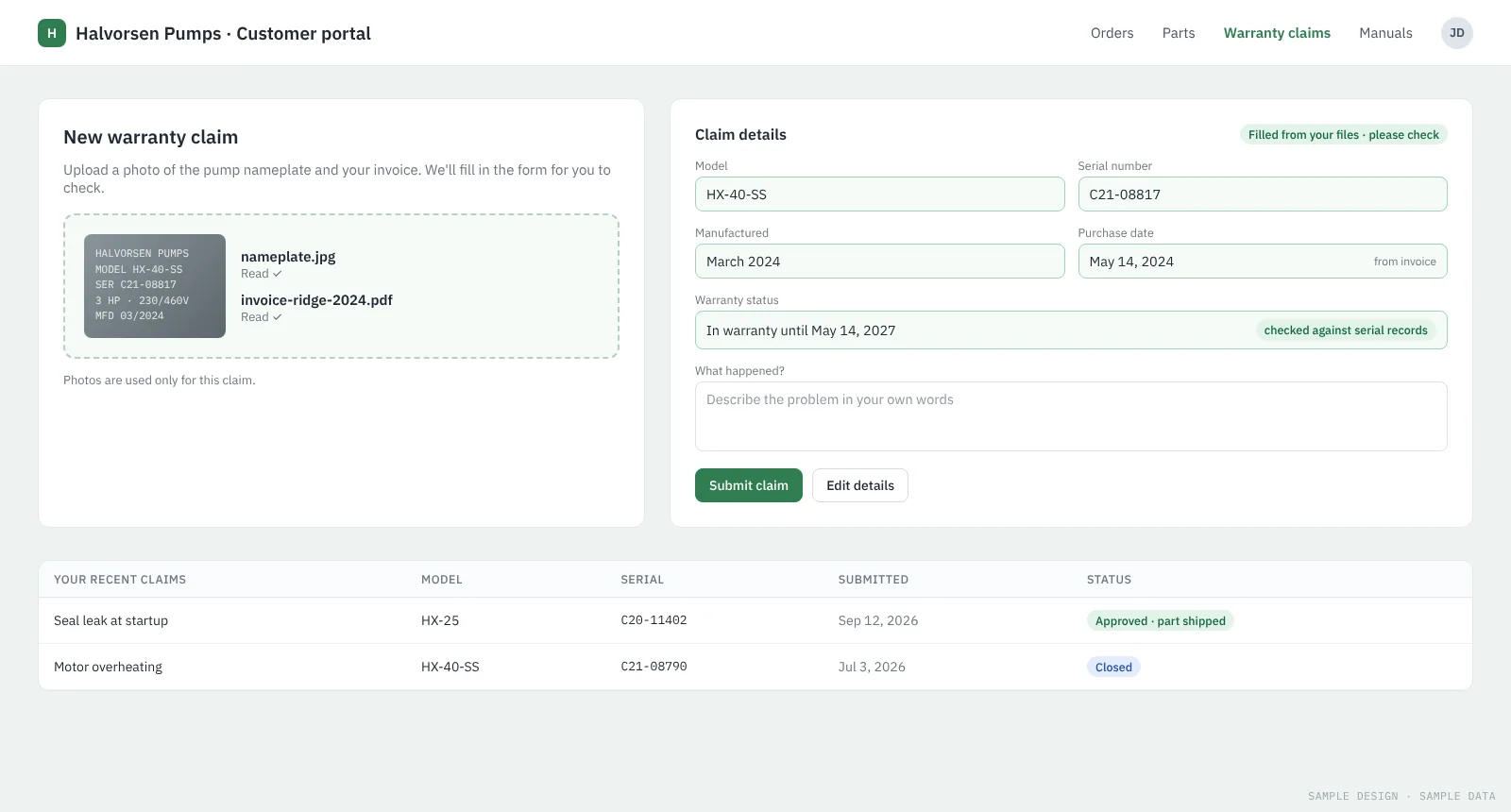
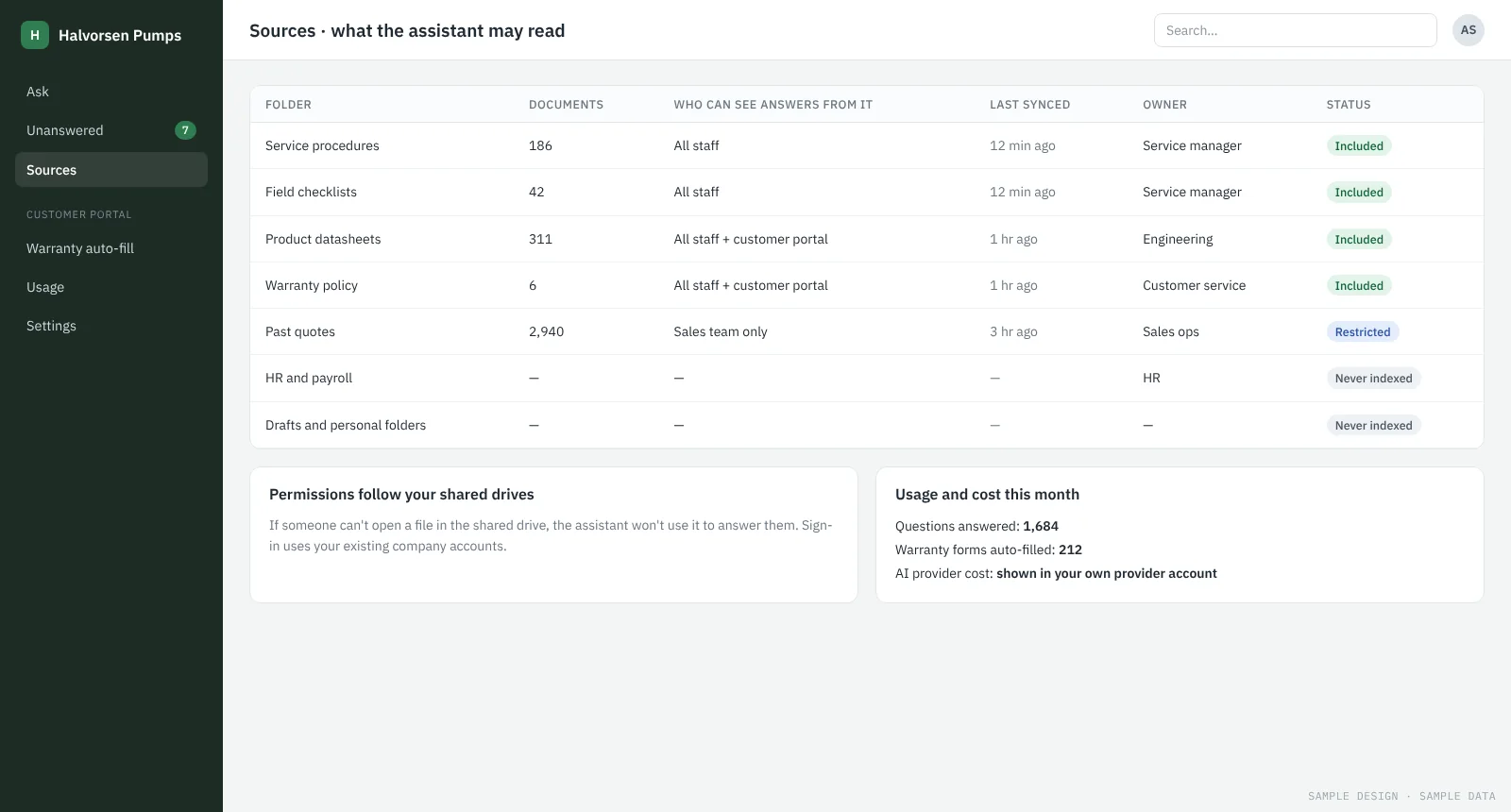
Staff ask questions in plain words and get answers that cite your procedures. Customers fill in warranty claims by uploading a nameplate photo.
See how it works →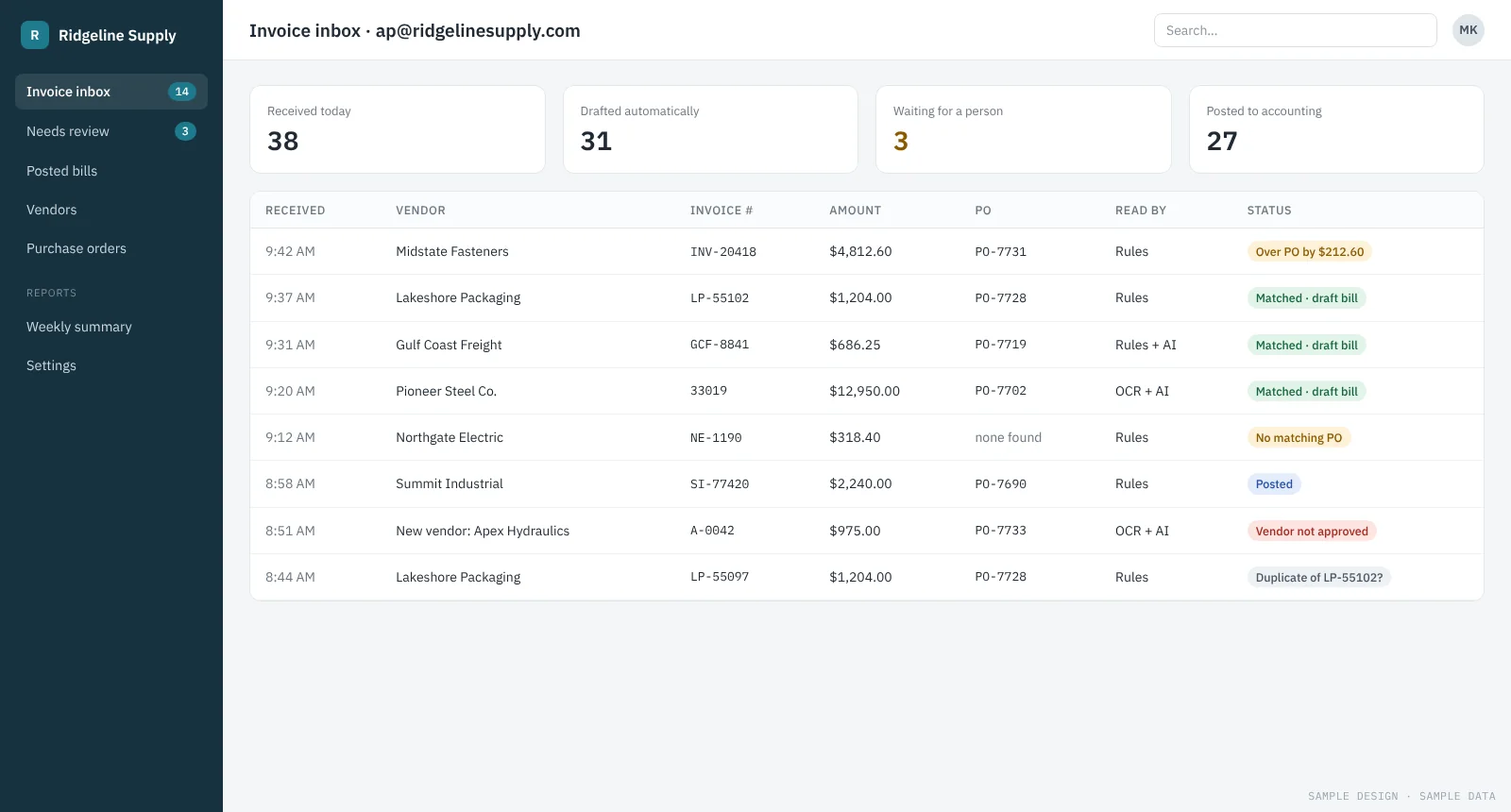
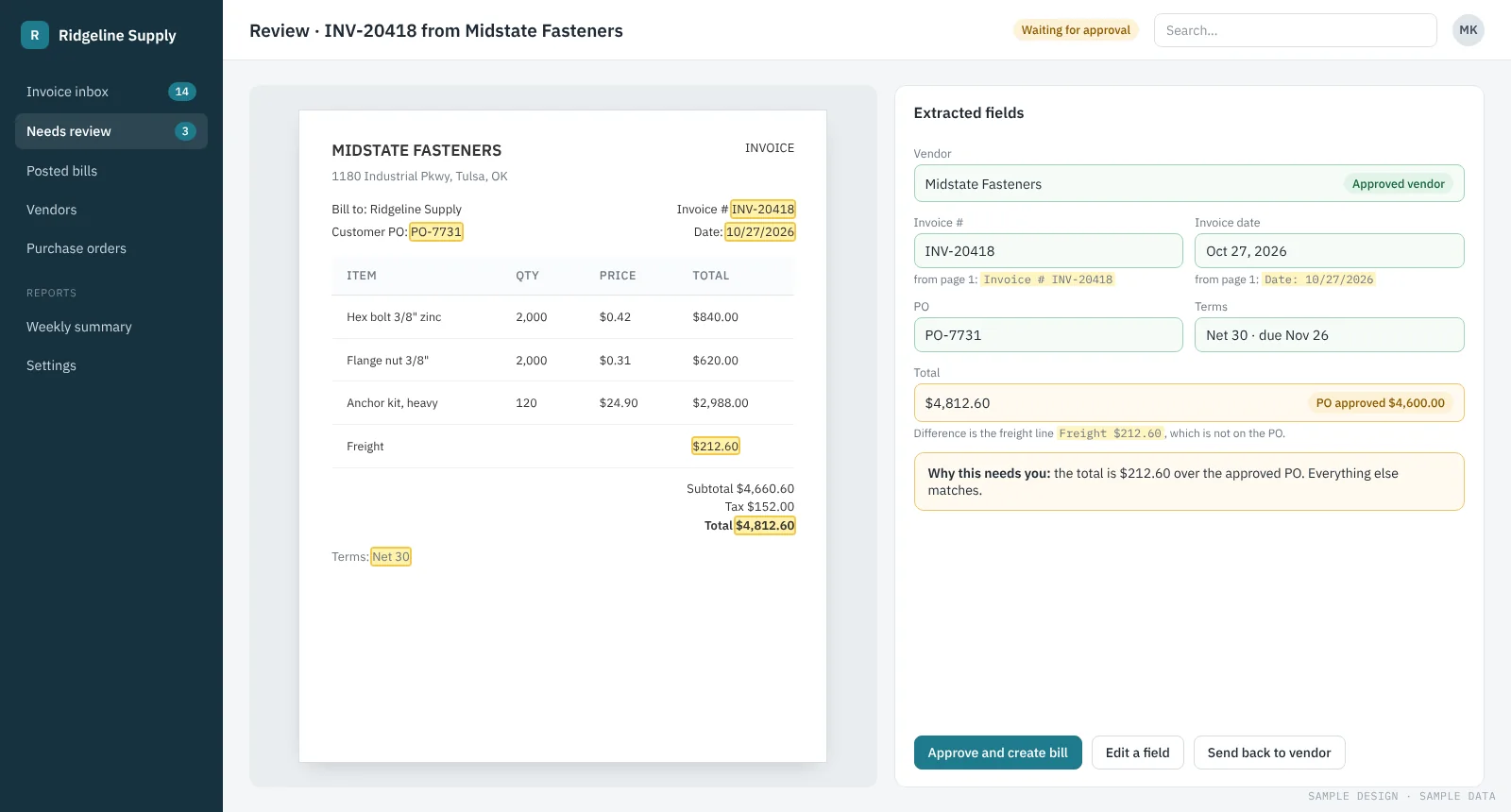
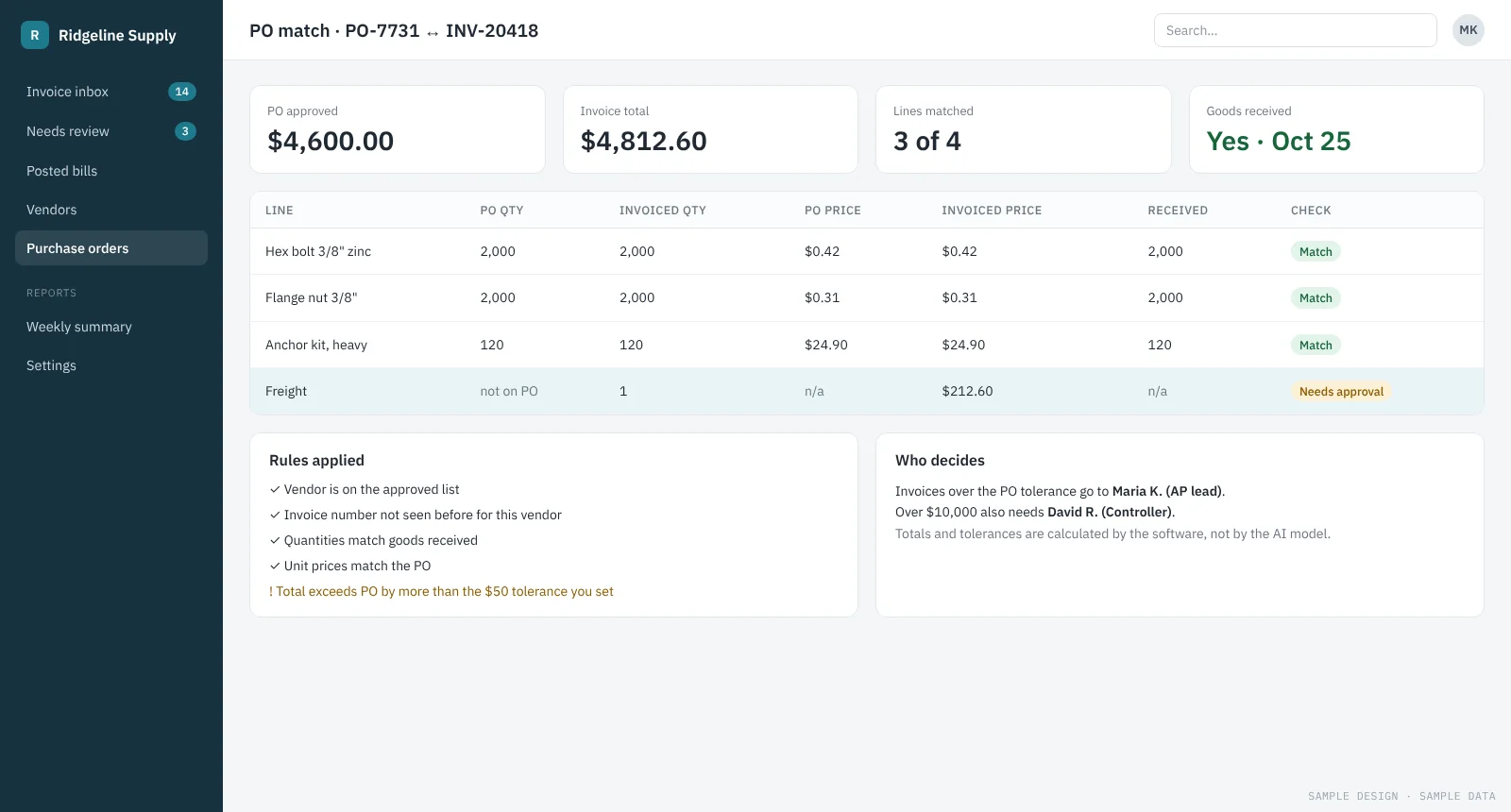
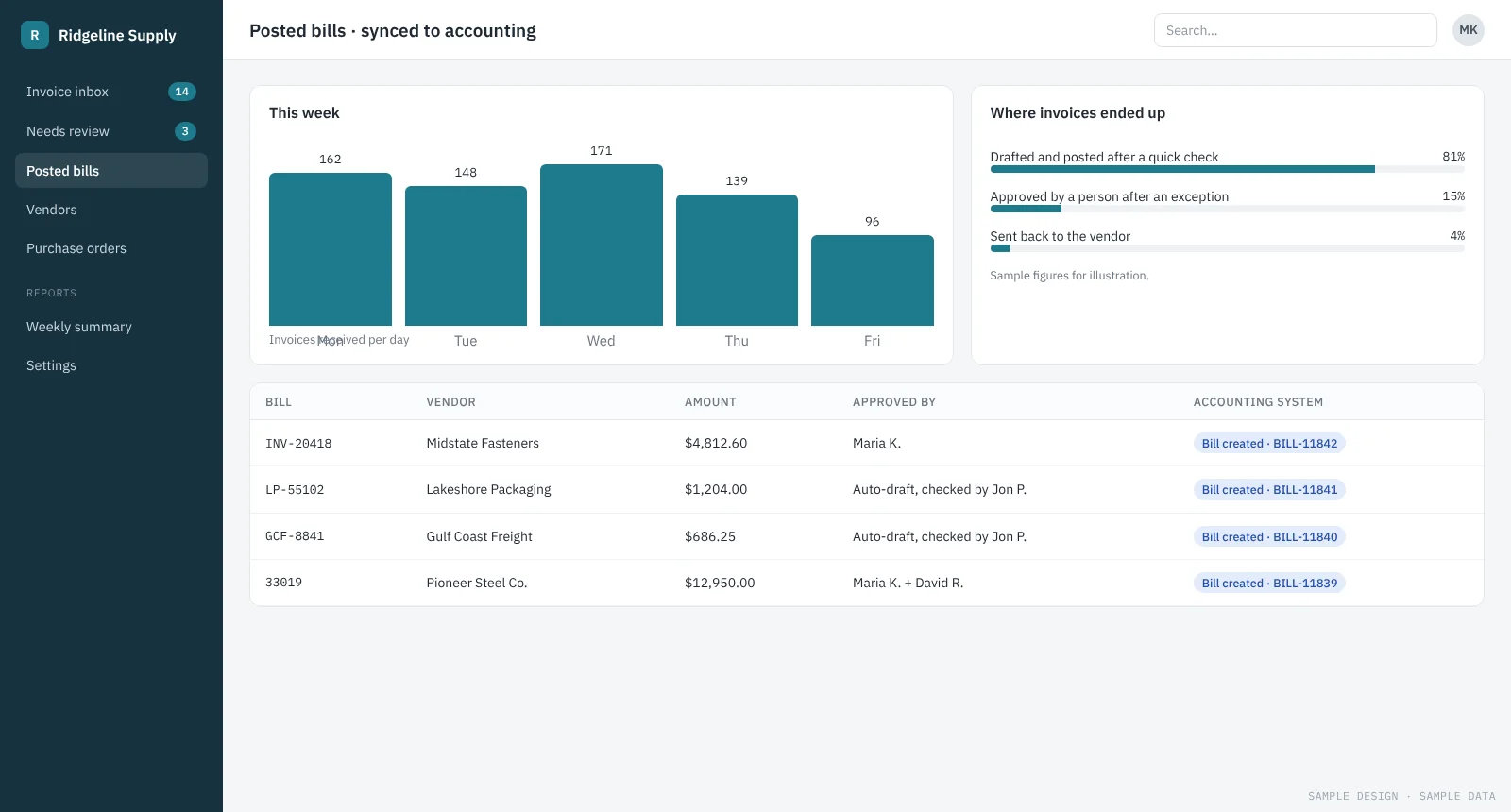
Vendor invoices into accounting, without retyping
Invoices from a shared inbox are read, matched to purchase orders and drafted as bills. Only exceptions reach a person.
See how it works →Read our delivered case study: AI document intake for a construction-lien SaaS →
Want something like this?
Tell us about it. On the free assessment we’ll look at your real examples and give you an honest view of what AI can take on.