For businesses across the US · Team based in Dallas, Texas · On-site visits nationwide

Home / AI automation / Document processing

Use case

AI document processing that your team can check in seconds

Most businesses have a stack of documents that someone has to read and retype: applications, contracts, claims, certificates, order forms, invoices. We build automations that read them, check them and enter them where they belong, and leave the judgment calls to your team.

Documents we handle

The paperwork that eats your week

Contracts and agreements

Parties, dates, amounts and key terms, with the clause each value came from.

Forms and applications

Typed or scanned forms turned into structured records.

Orders and quotes

Customer orders read from email or PDF and created in your ERP or CRM.

Certificates and compliance paperwork

Expiry dates and reference numbers tracked so nothing lapses.

Mixed bundles

Several files about one job, combined into one record with conflicts flagged.

Invoices and bills

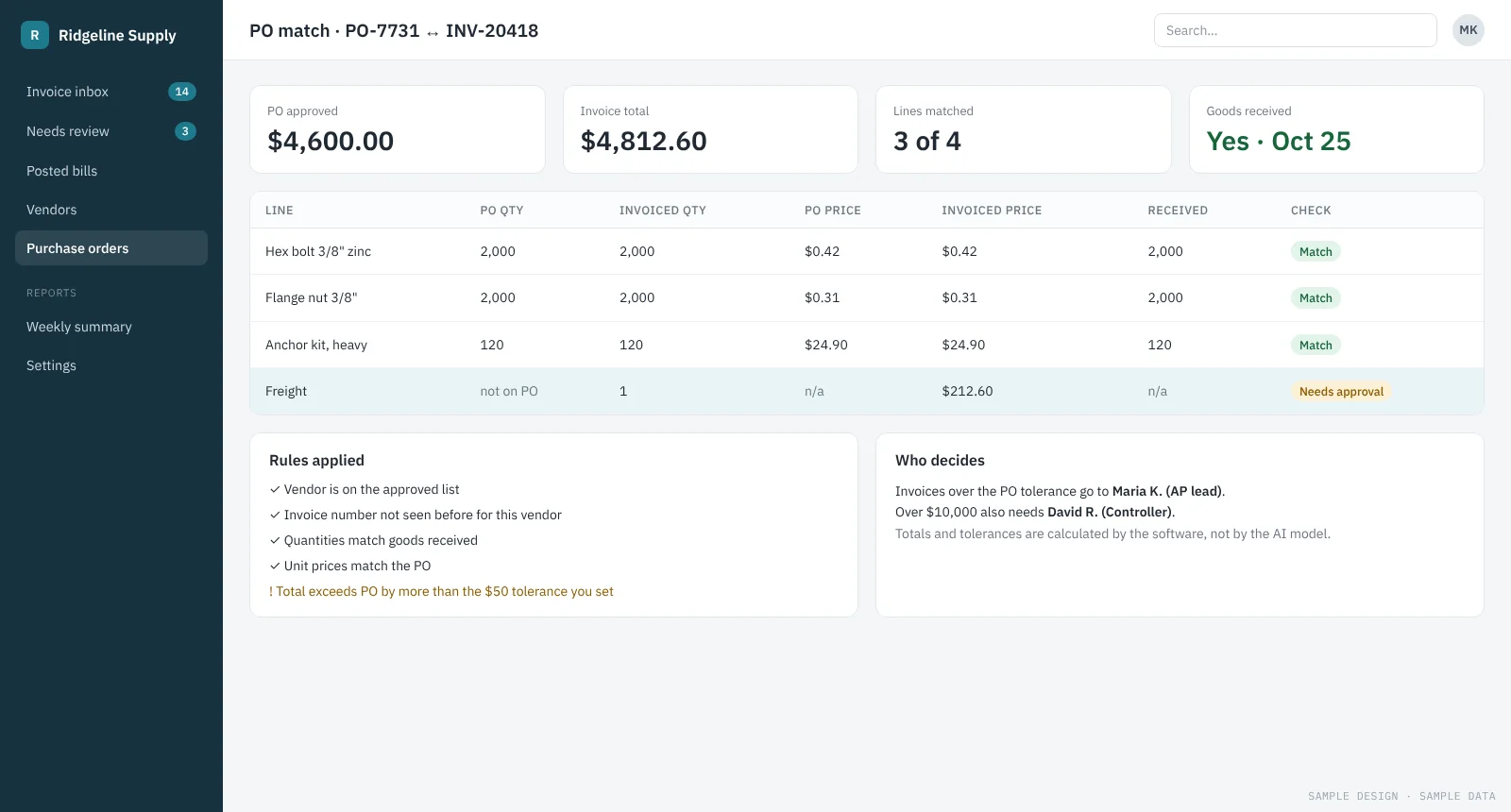
Vendor, totals, tax and line items, matched to purchase orders.

How it works

Six steps from inbox to system of record

The same shape works for most document types. What changes is which fields matter, which records they’re checked against and where the result goes.

  1. Collect. Documents come in from email, uploads, scanners or a shared folder.
  2. Read. Digital files are read directly. Scans and photos go through OCR first.
  3. Extract. Fixed rules pull the fields they can. An AI model handles what the rules can’t.
  4. Verify. Values are checked against the source text and your records, such as vendors, POs and customers.
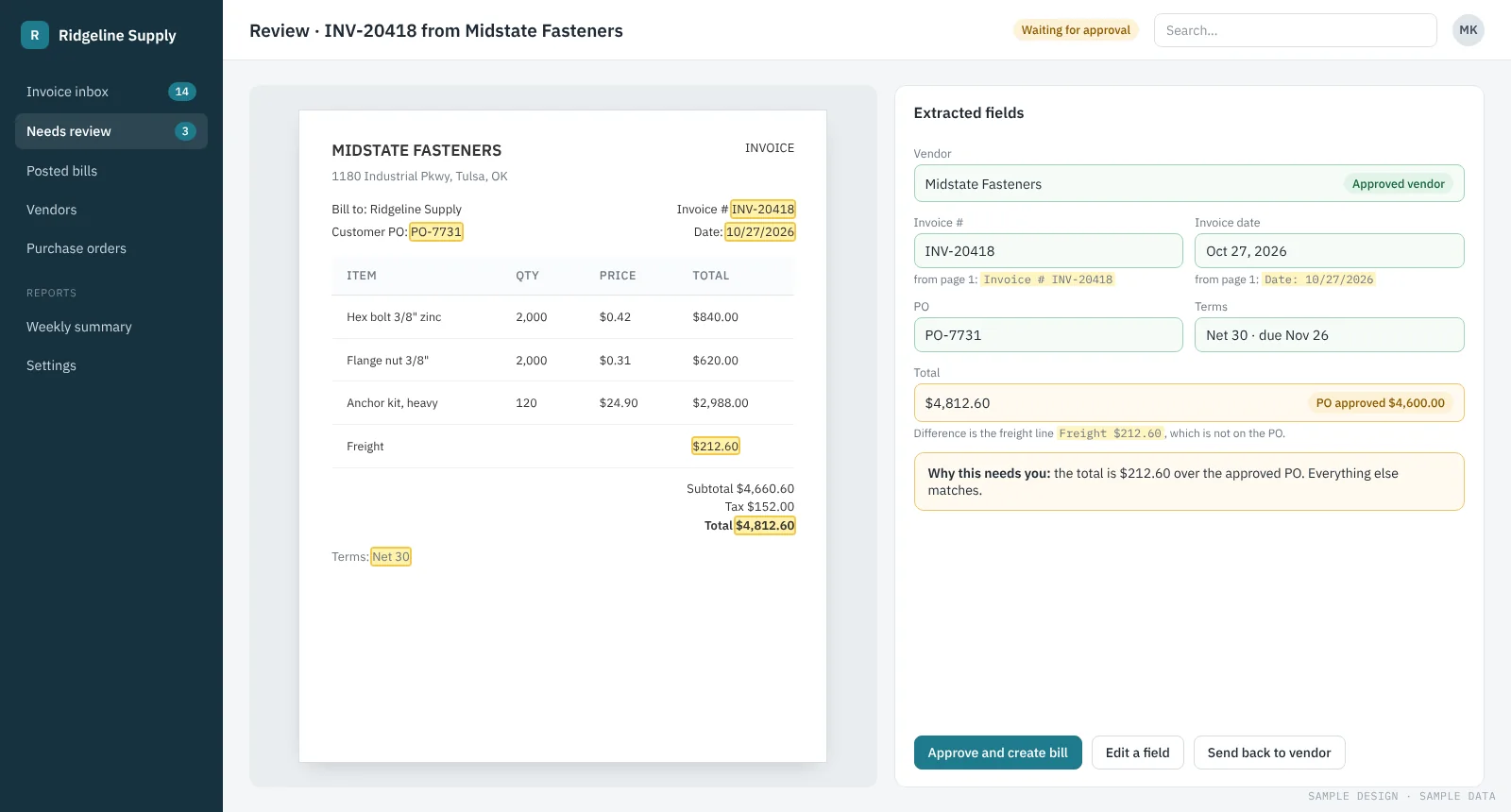
  5. Review. A person sees each value next to where it came from, and confirms or corrects it.
  6. Deliver. Confirmed records go into your accounting, ERP, CRM or case system.
Principles

Why the results hold up

Rules first, AI second

Where a fixed rule can read a field reliably, we use the rule. It’s cheaper, faster and easier to check.

Every value has a source

Reviewers see the page and the exact words each value came from, so checking takes seconds.

Calculations stay in code

Dates, totals and deadlines are worked out by the software, never by the AI model.

Measured before go-live

We test on a set of your real past documents and share the results field by field.

Delivered · Legal tech, US

Case assistant and document intake for a construction-lien SaaS

Users describe a job in plain words or drop in contracts, invoices and scans. The assistant reads them, asks for what’s missing and builds a draft case against a checklist. Rules do most of the reading, an LLM fills only what they can’t, and nothing is saved until a person confirms it.

Read the case study
Example projectWholesale distribution · about 80 people

Vendor invoices into accounting, without retyping

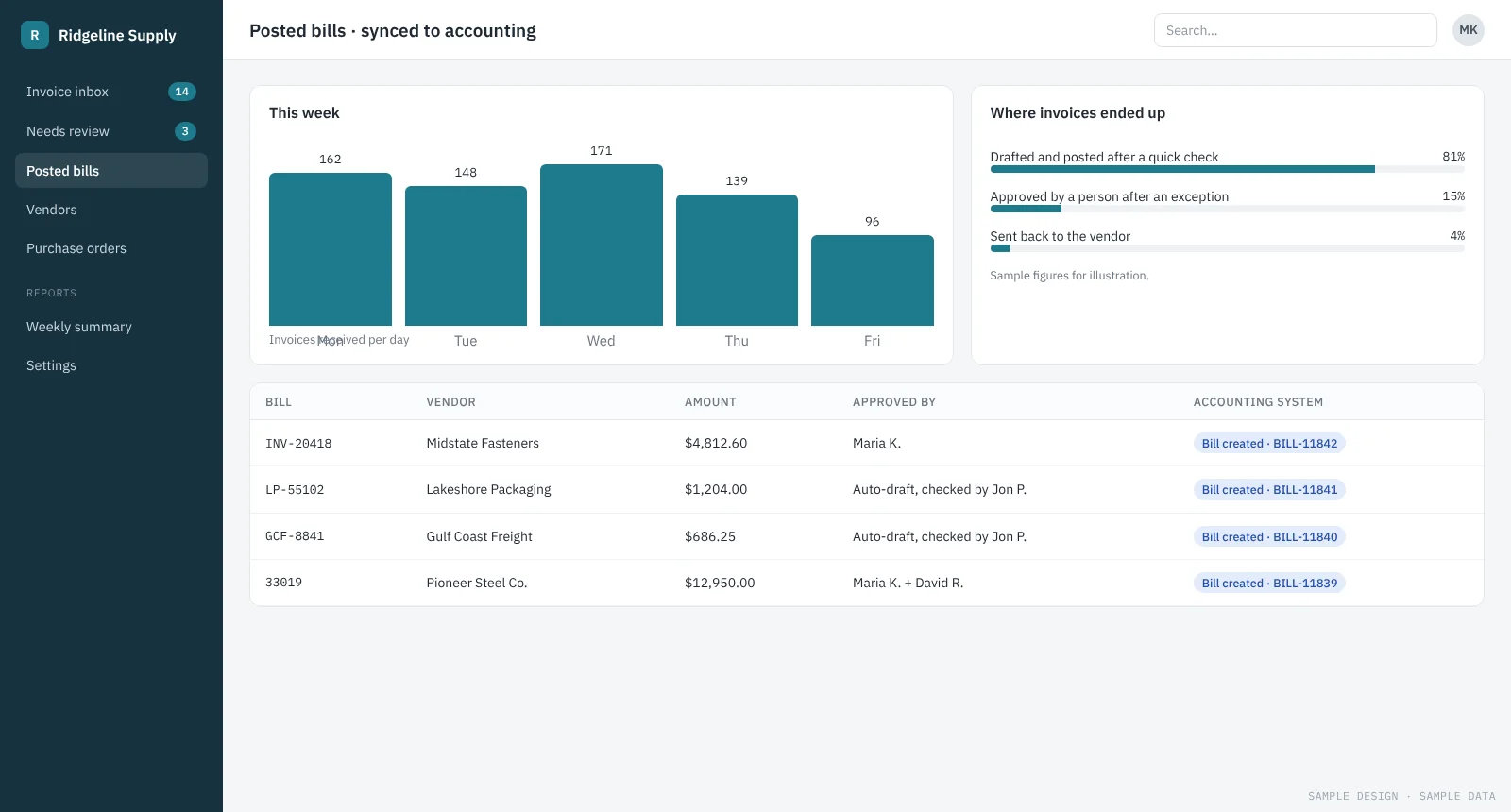
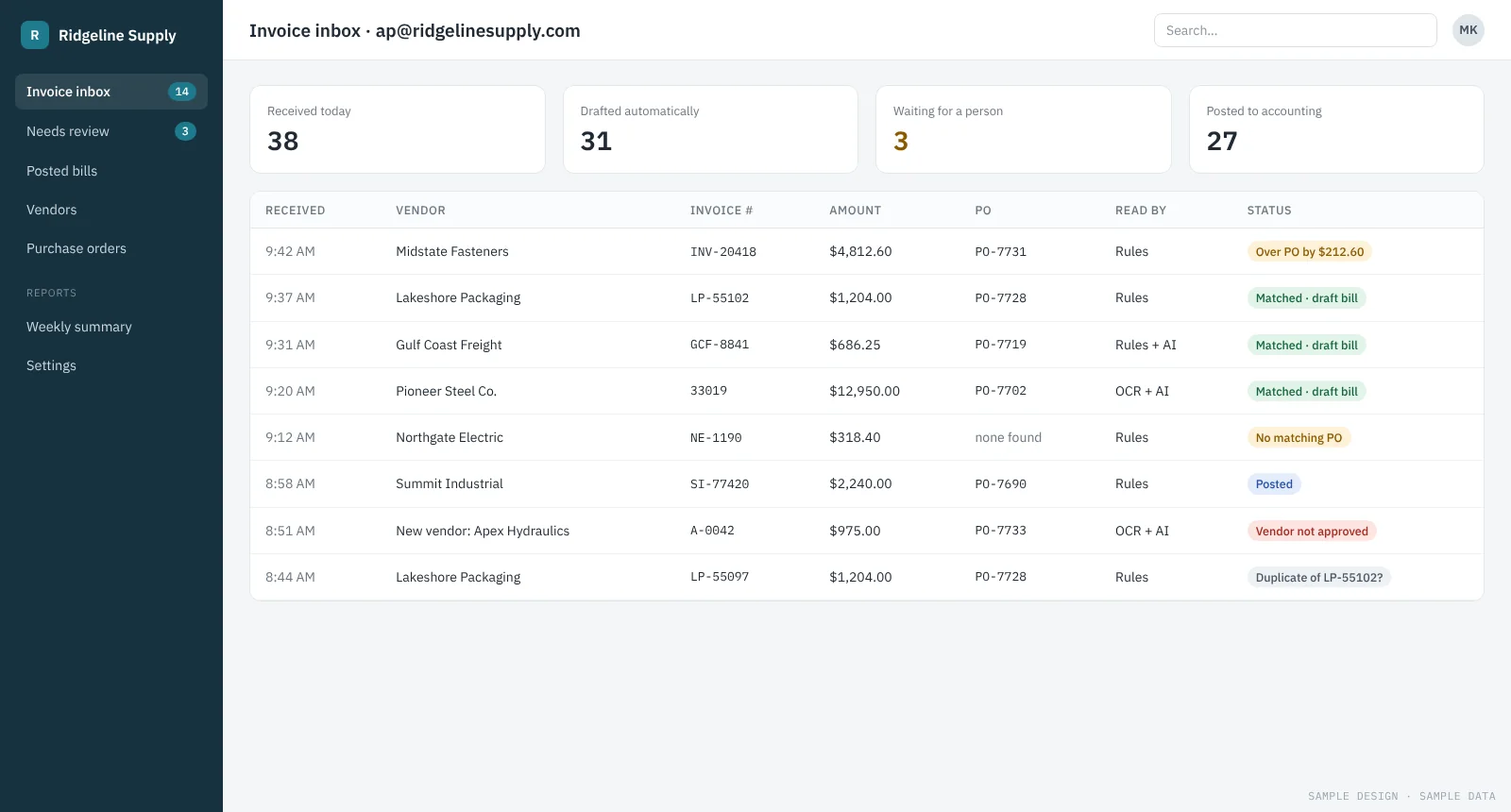
Invoices from a shared inbox are read, matched to purchase orders and drafted as bills. Only exceptions reach a person.

See how it works →
Questions

Document processing questions

What file types can you handle?

PDFs, Word and Excel files, images and scans, and text pasted into an email or form. Handwriting is possible in some cases; we test it on your samples first.

What happens when the AI isn’t sure?

The record waits for a person, with the uncertain fields highlighted. You decide how strict that threshold is.

Can it work with our accounting or ERP system?

Usually, yes. We connect through the system’s API or import format. The assessment confirms what your system allows.

How long until it’s running?

A working prototype on your own documents takes 2 weeks. Connecting it to your systems and rolling it out usually takes a few more weeks.

Send us a few sample documents

On the free assessment call we’ll look at your documents and tell you what could be automated. Written summary within 3 business days.